Role: UX, UI, Website Design + Brand Direction
Scope: 0 → 1 Website (Figma + Framer)
Timeline: 3 Weeks
Collaboration: Worked with graphic team on logo
⚡ Overview
Locus is a personal AI teaching assistant that helps students truly understand math not just finish homework.
Users can:
Snap a question
Explore concepts
Ask and learn step-by-step
🎯 The goal
This wasn’t just a website, it was the first impression of the product.
The goal was to:
Explain what Locus does
Build trust with parents
Make it feel exciting for kids
Drive users to join the waitlist
All in a single scroll.
⚖️ The core challenge
Locus isn’t designed for one user.
It’s designed for two:
👦 Kids
Want something fun, easy, visual
Don’t want to feel judged
Need learning to feel natural
👨👩👧 Parents
Care about real learning (not cheating)
Want trust, safety, outcomes
Need confidence in the product
The challenge was designing one experience that speaks to both without overwhelming either.
💡 The insight
Parents don’t care about AI.
They care about whether their child actually learns.
So instead of leading with:
AI
Features
Technology
We focused on:
Confidence
Understanding
Long-term learning
🧠 The approach
Since this was a 0 → 1 website, the focus was on clarity over completeness.
Defined a clear narrative:
What it is
How it works
Why it’s different
Balanced tone:
Playful enough for kids
Trustworthy enough for parents
Designed for:
Quick understanding
- Low cognitive load
The goal wasn’t to show everything.
It was to make the right things obvious.
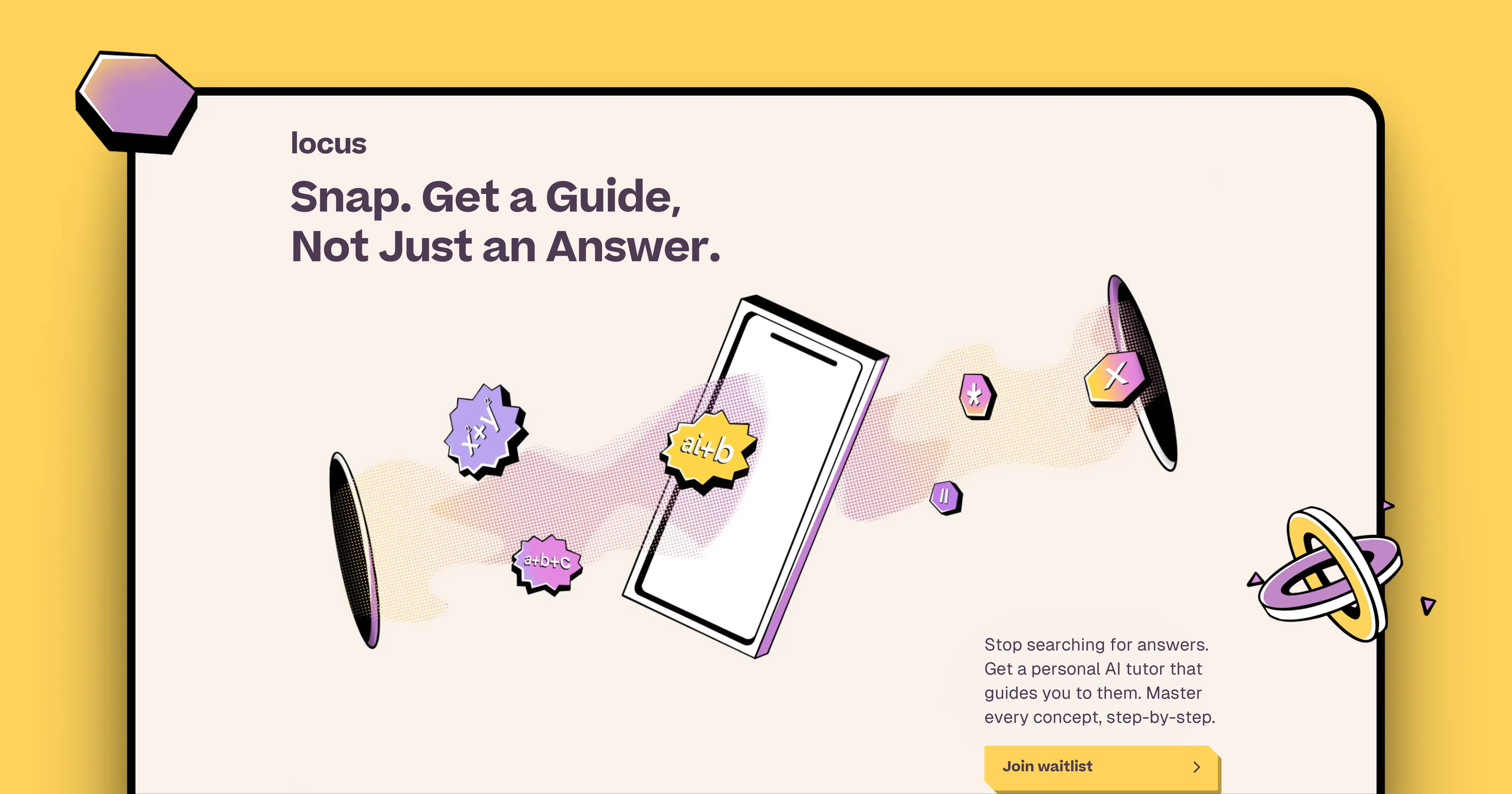
🏠 Homepage: simplifying the idea instantly
The homepage had one job:
Make users understand Locus in seconds.
What I designed:
Clear hero message
A simple one-line explanation
- Visual cues to reduce confusion
Main Page
🧩 How it works: reducing friction
Instead of explaining the system, I showed the flow:
Snap a problem
- Get guided help
- Learn step-by-step
This makes the product feel simple, immediate & useful
🧠 Layers of Locus
Locus isn’t just answering questions, it’s building understanding.
Key differentiators:
Detects knowledge gaps instantly
- Remembers past learning
- Builds mastery over time
- Guides with questions, not just answers
Designed to teach, not shortcut.
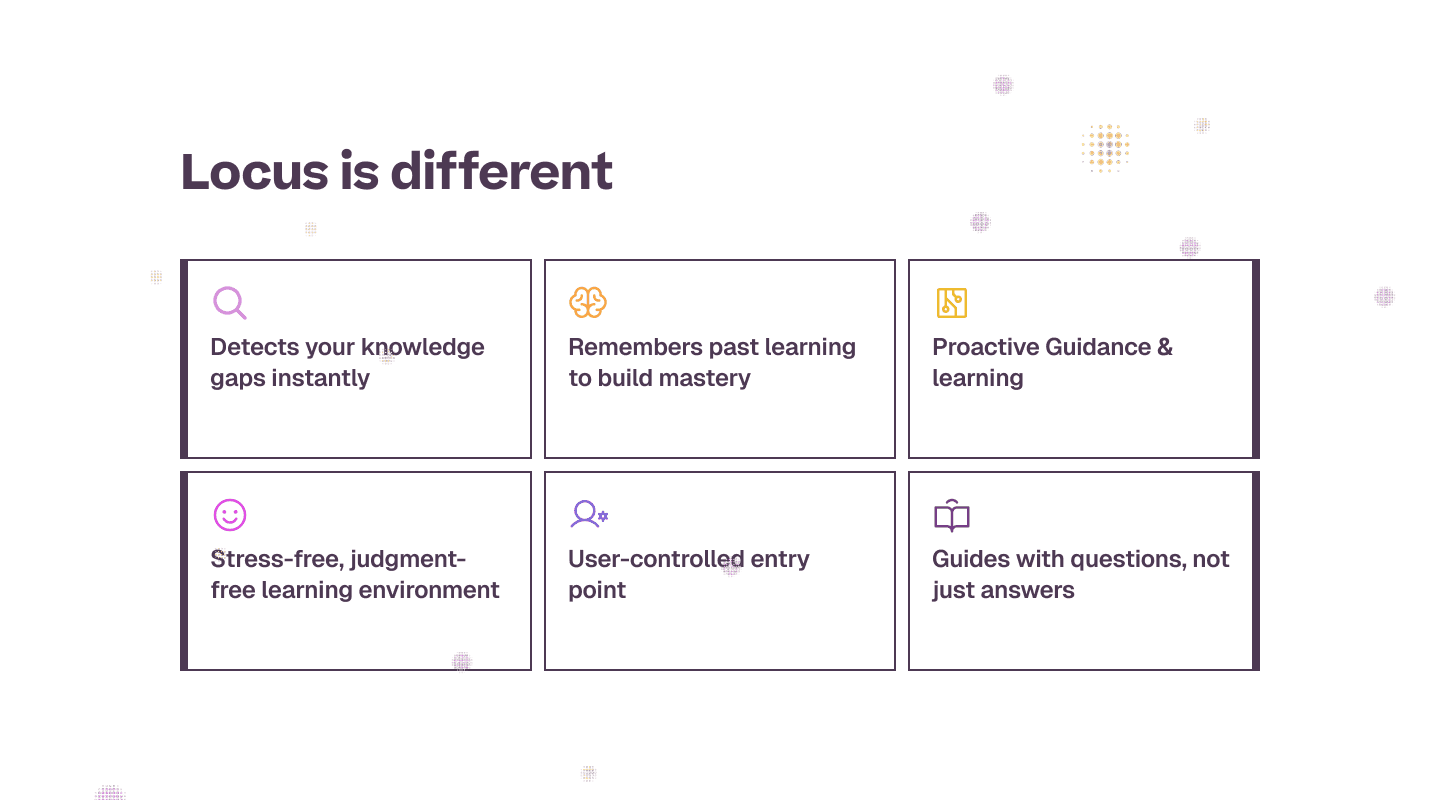
Feature card
🤖 Meet Luca (AI assistant)
To humanize the experience, we introduced Luca:
Friendly
- Non-judgmental
- Always available
This makes the product feel less like AI and more like a learning companion.
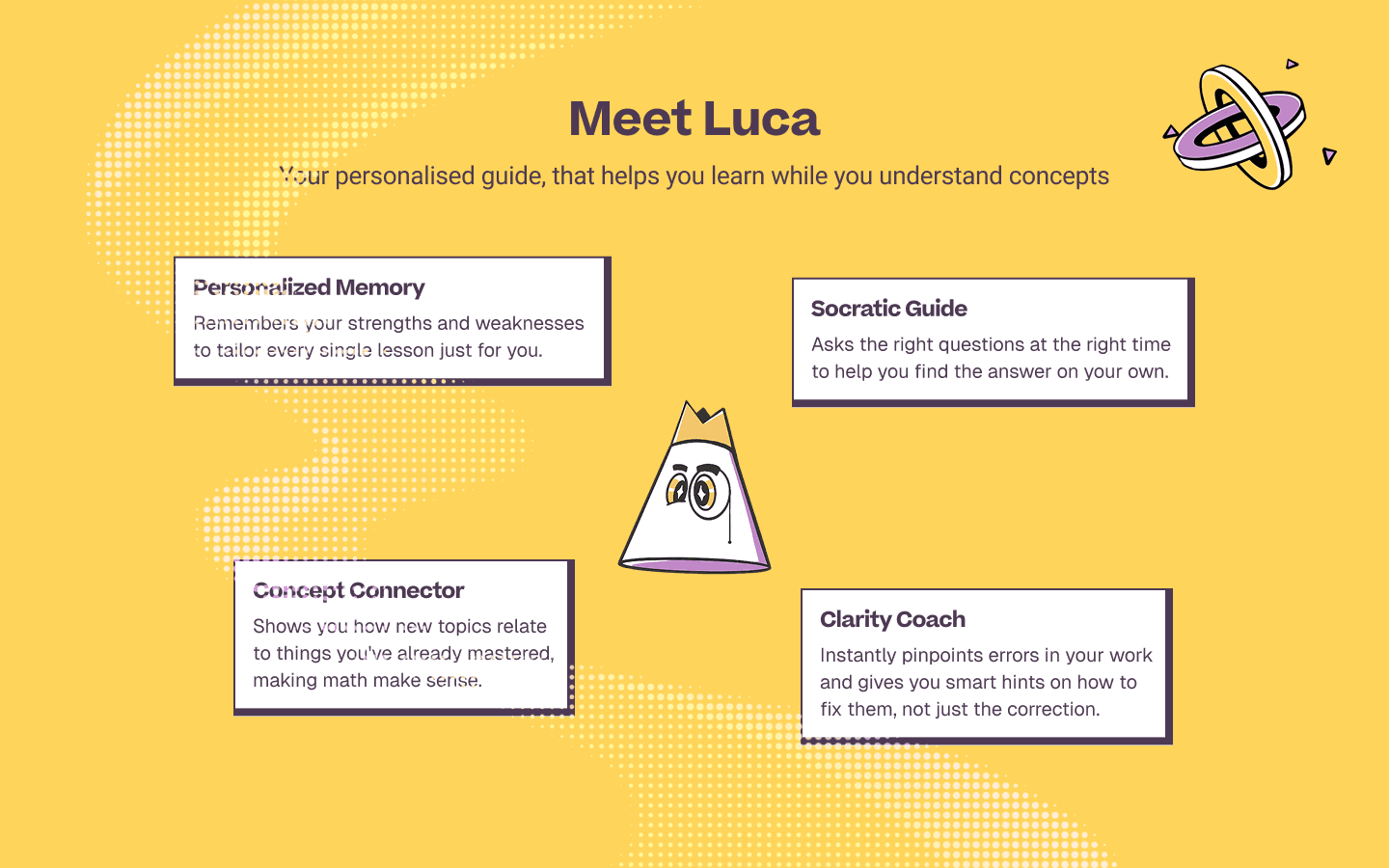
Luca - Your personalised guide towards learning
🚀 Impact
Clearly communicate a new product
- Build trust with parents
- Make learning feel approachable for kids
- Drive waitlist signups
Turning confusion into curiosity and curiosity into action.
🧩 Challenges
Designing for two audiences at once
- Explaining AI without overwhelming
- Building trust in a 0→1 product
- Balancing playfulness with credibility
🧠 Reflection
If I had more time, I’d extend this into:
Test messaging with real parents
- Optimize conversion flows
- Expand the design into product experience
The best learning tools don’t just give answers.
They change how you think.