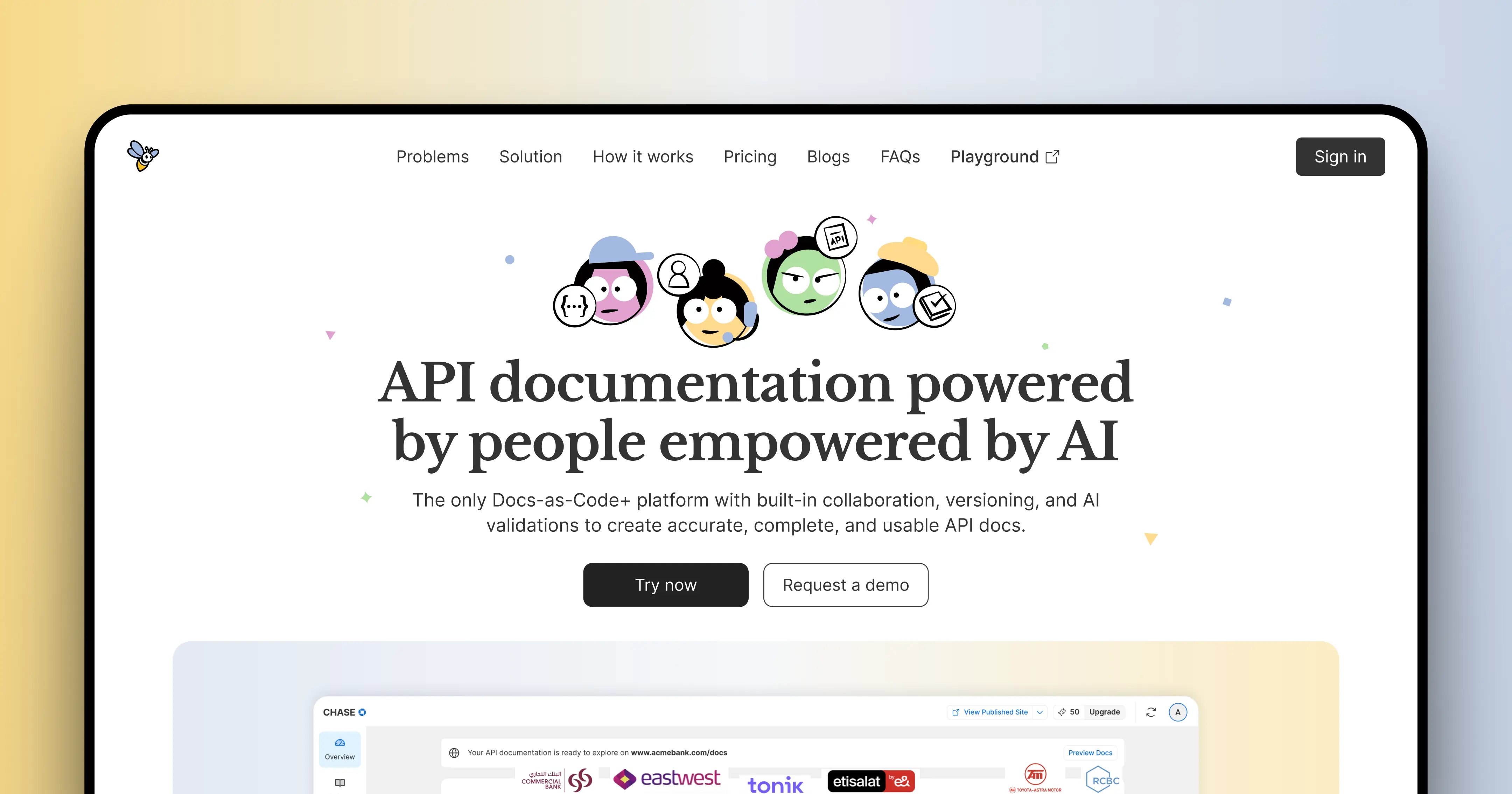
Product: Docuwiz
Role: UX, UI, Website Design
Scope: 0 → 1 Landing Page (Figma + Framer)
Timeline: 1 month
🎯 The goal
Docuwiz is a Docs-as-Code+ platform with built-in collaboration, versioning, and AI validation designed to help teams create accurate, complete, and usable API documentation.
The website had to do three things fast:
Help users understand what Docuwiz is
Make AI feel genuinely useful (not hype)
Get users to sign in and try the product
If users don’t understand it in seconds, they won’t try it.
🚨 The challenge
Docuwiz sits in a complex space:
Docs-as-Code
AI validation
Multi-role collaboration
Which creates a problem:
The product makes sense only after you understand it.
Key challenges:
Explaining “Docs-as-Code” simply
Avoiding heavy developer jargon
Making AI feel practical, not gimmicky
🧠 The approach
Since this was a 0 → 1 website, I focused on clarity, hierarchy, and flow.
Defined a strong structure:
What it is
How it works
Why it’s different
Simplified messaging:
Reduced jargon
Focused on outcomes
Designed for:
Fast scanning
Immediate understanding
The goal wasn’t to impress, it was to make sense.
🏠 Hero: simplifying the idea
The hero needed to communicate a complex product in seconds.
Decisions:
Clear, direct headline
Minimal supporting text
Focus on value, not features
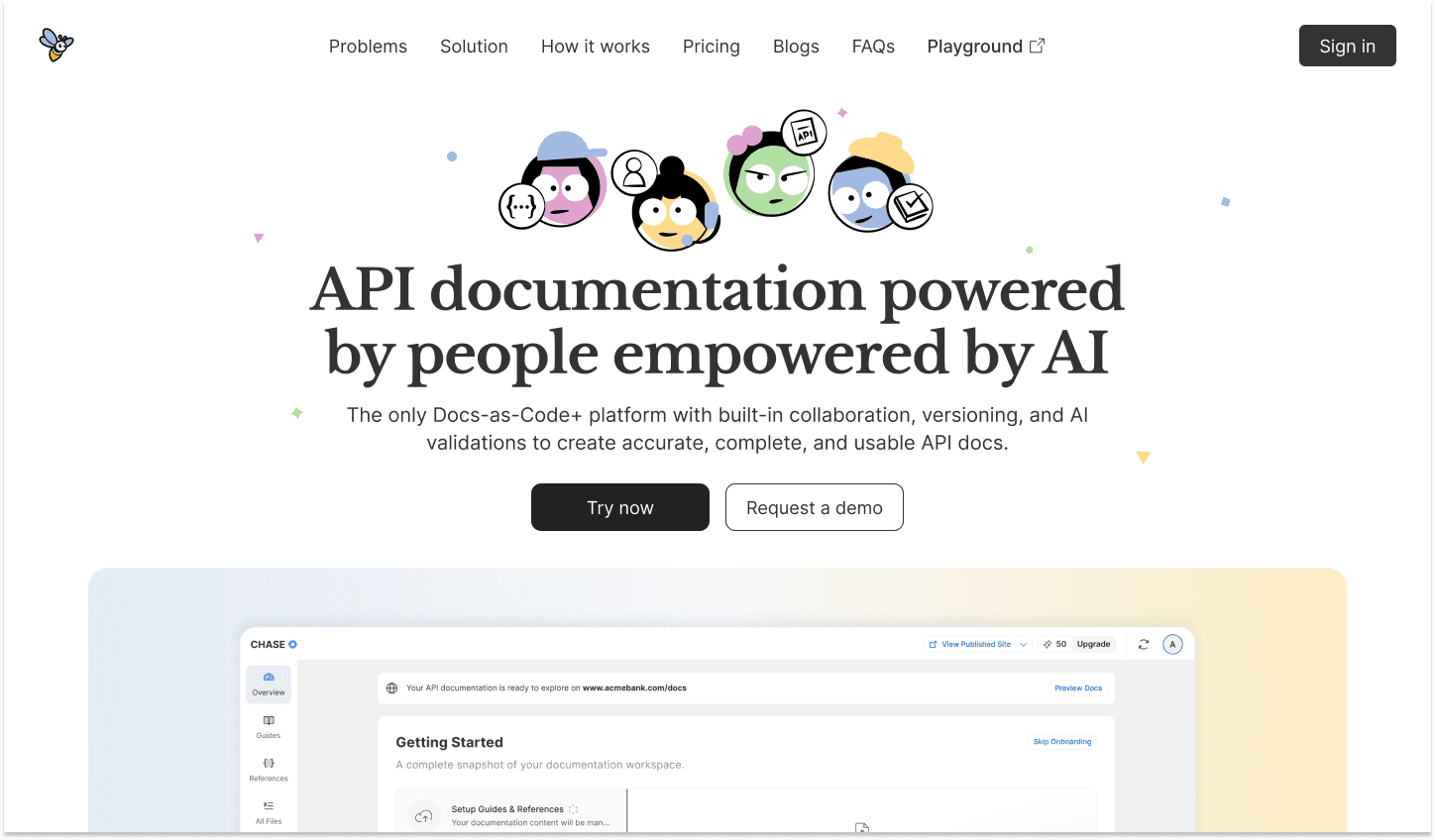
Hero Section
🧩 Explaining Docs-as-Code (without confusion)
Instead of assuming knowledge, I simplified the concept:
Broke down technical ideas into digestible pieces
Avoided unnecessary terminology
Focused on What it does and Why it matters
Designed so even non-developers can grasp the idea.
👥 Multi-role collaboration
Docuwiz is built for teams not individuals.
Key idea:
Different roles, one workflow.
1. Developers
2. Product Managers
3. Writers
4. QA
The product isn’t just a tool, it’s a system.
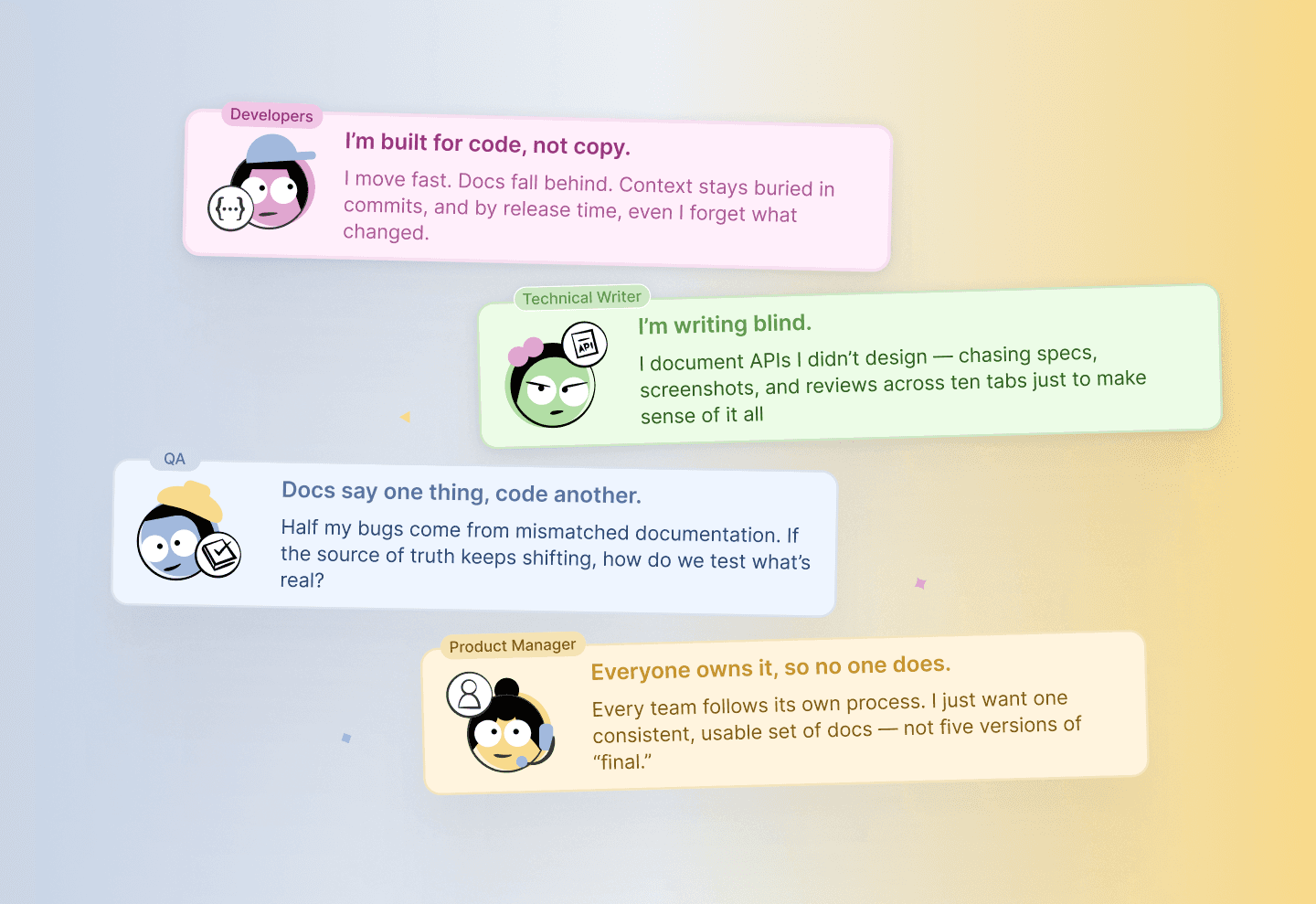
Types of AI agents
🤖 Making AI feel real (not gimmicky)
AI is everywhere but rarely trusted.
Docuwiz uses AI validation, so the challenge was:
Show it as useful, not magical.
Solution:
Clear explanation of what AI actually does
No vague claims
Focus on real outcomes accuracy, completeness and reliability
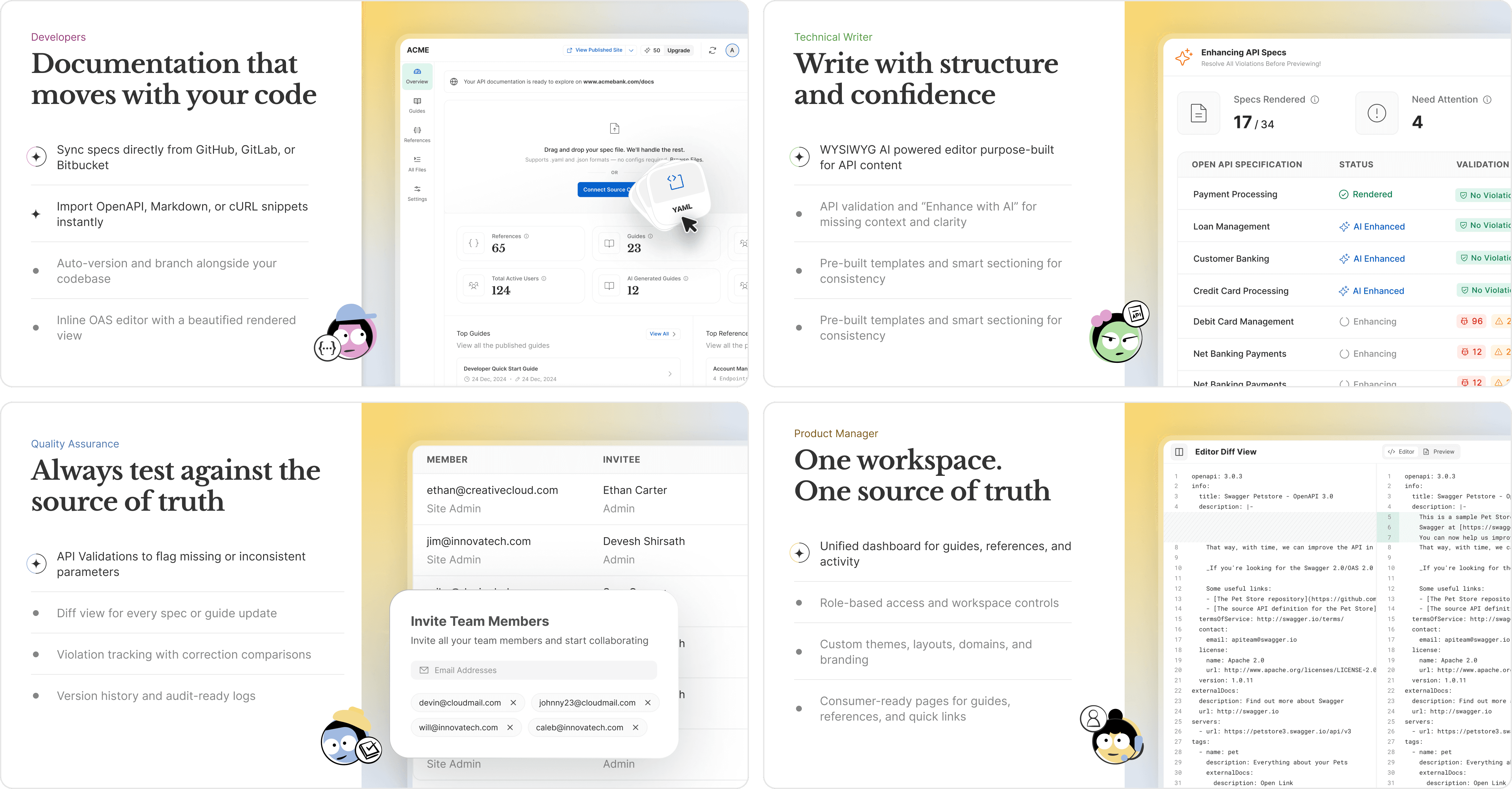
Roles of each AI agents
⚖️ Structuring the experience
Since the product is layered, the website needed to guide users step-by-step:
Start simple
Add depth gradually
Avoid overwhelming upfront
Hero Page
⚡ Key UX decisions
Reduced technical jargon
Made AI validation clear and grounded
Designed for quick scanning and comprehension
🚀 Impact
This website was designed to:
Improve first-time understanding
Make a complex product feel approachable
Build trust in AI functionality
Drive users to try the product
Turning “this looks complicated” into “this makes sense.”
🧩 Challenges
Explaining a technical product to multiple roles
Balancing depth with simplicity
Avoiding overloading users
Making AI feel credible
🧠 Reflection
If I had more time, I’d extend this into:
Test comprehension with real users
Optimize conversion flows
Explore interactive explanations for complex features
A powerful tool only works if people understand it.